Only the state each person needs
Each phone receives only its own state; broadcast data is cut to the top ten plus aggregates. After a refresh, screen lock or a Wi-Fi/LTE switch, people return to the same team, name and record.
CASE 09 · LIVE EVENT PLATFORM
I didn’t repeat the same games. Inputs and screens changed with participants’ ages, headcount, the venue’s network and whether one host ran everything — and the parts that worked moved on to the next event.
Eight motion games using each team’s phone camera as input. Pose recognition runs offline on a Mac.
camera · pose recognition · team scoresThe first split into host console, stage display and phones: seven mobile games plus host-led rounds.
three screens · device checks · score undoTwelve one-on-one “review” games parodying a public service counter, with difficulty designed around target pass rates via a roulette and appeal rules.
operator console · customer monitor · two keyboardsReplaced the camera input that triggered security warnings with team buzzers, correcting clock drift between devices to judge who pressed first.
SSE · clock correction · number-key fallbackAbout 80 people in nine teams. Table tablets became a fourth screen, and the app runs both in the cloud and locally.
15 games · alliance rounds · awardsWhen the small-group server was tested at 80-person scale, most connections failed. Before adding screens or games, I redesigned how state moves between them.
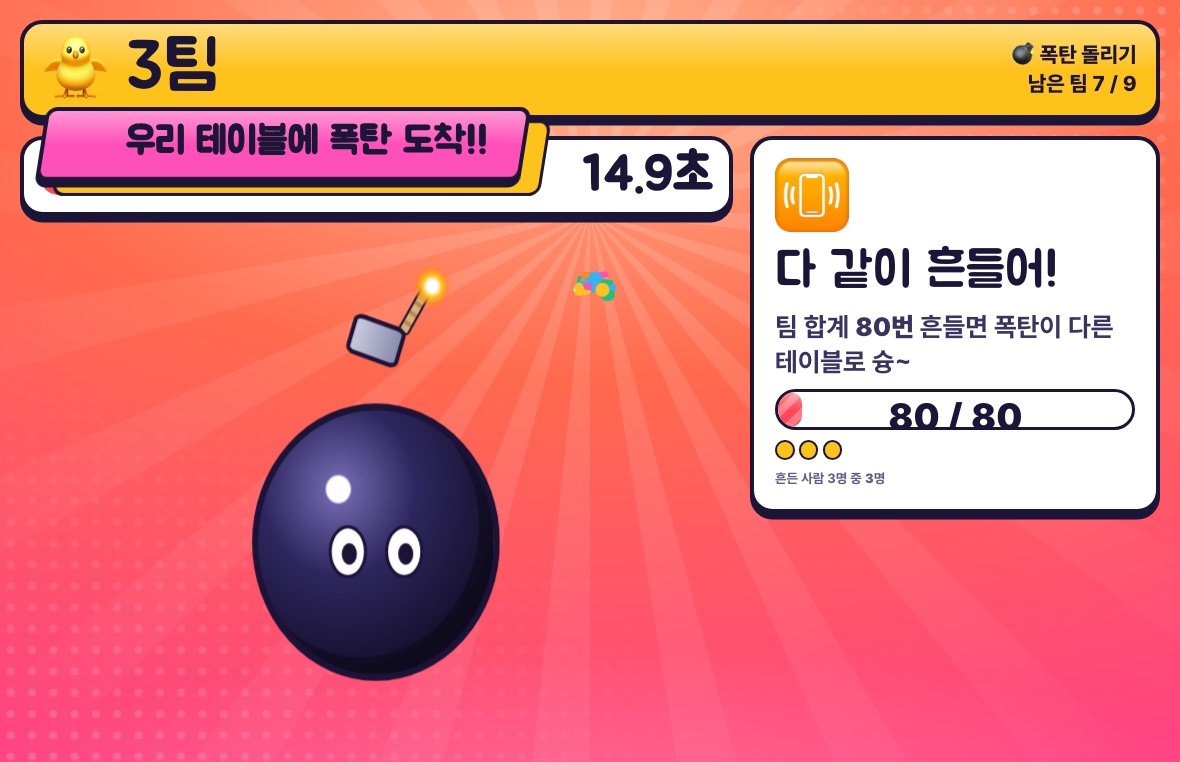
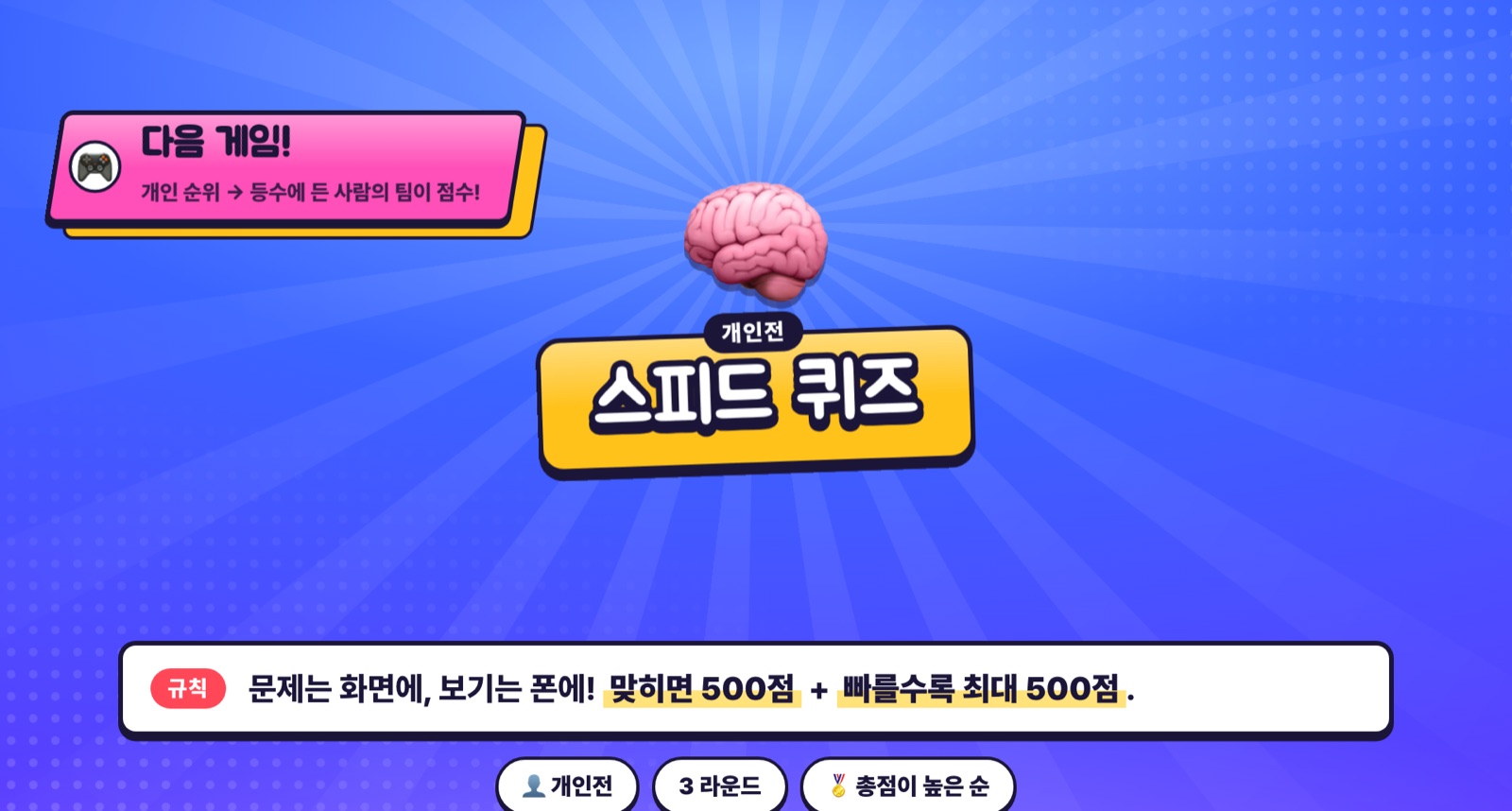
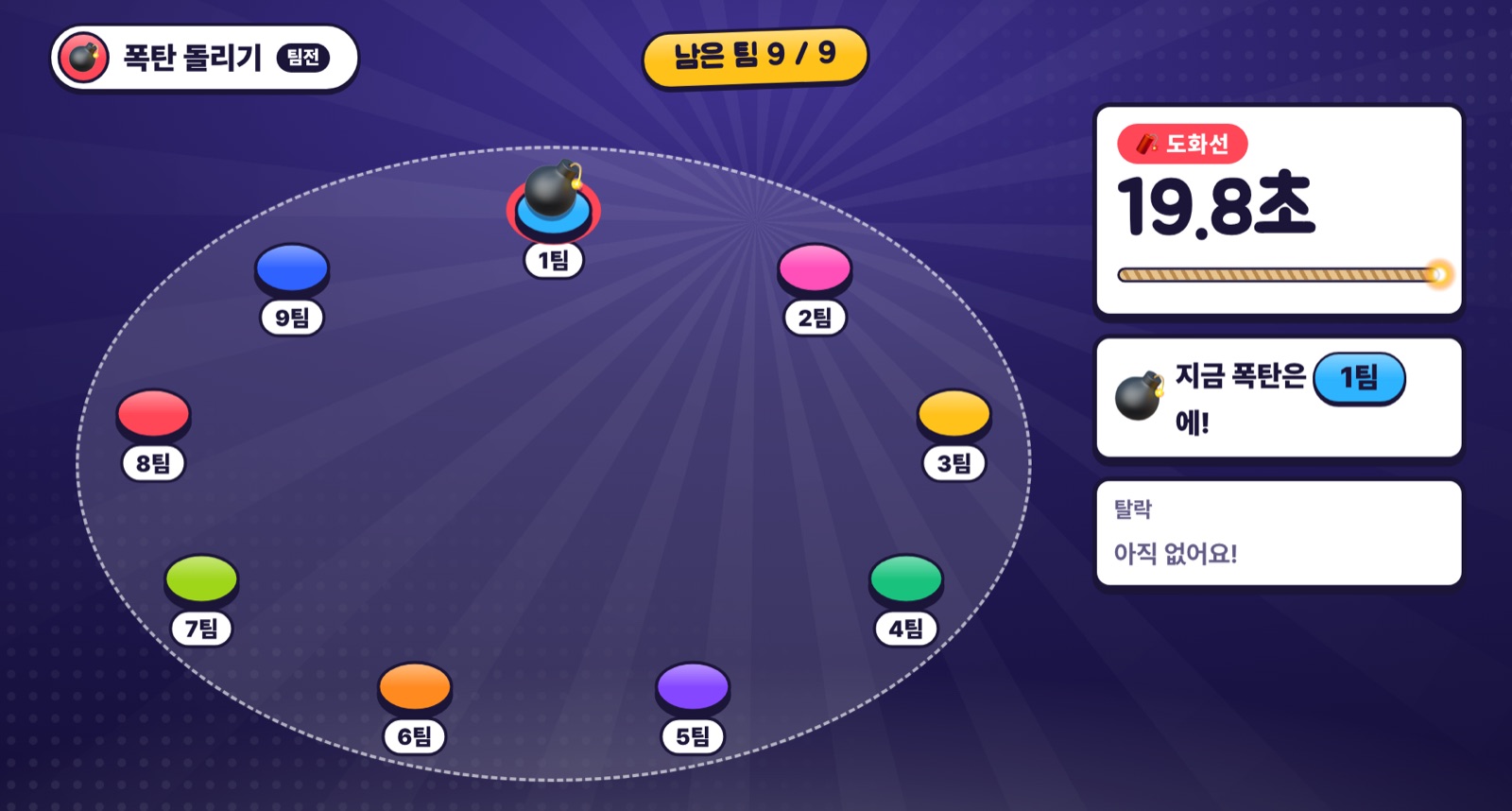
Each phone receives only its own state; broadcast data is cut to the top ten plus aggregates. After a refresh, screen lock or a Wi-Fi/LTE switch, people return to the same team, name and record.
A tablet on each table became the team’s own screen, gathering connection status and team missions — and serving as the stage for team games like Hot Bomb.
The event runs at a public address with a host key; rehearsals run on my Mac. Console state is backed up on the server, and redeploying mid-event is ruled out.
3D staging runs only on the stage and tablets, with automatic CSS fallback if it fails to load. The 80 varied phones draw lightweight screens only.
Teams differed in size and included first-time visitors. Rules were fixed in the spec first, so points reflected how teams played — not how many showed up.
Team totals are the members’ average multiplied by the largest team’s headcount, with non-participants counted as zero, so smaller teams compete on equal terms.
When three teams form an alliance, ranks are assigned per alliance and points spread to its teams — avoiding the error where three tied winners push the next team to fourth.
Team scores stay hidden until the host chooses to reveal them. Results wait after each round until the host moves on, so the room sets the pace.
First-time visitors get a small badge, and insider-only topics were removed from questions. A friend-introduction quiz and chat opened the event.
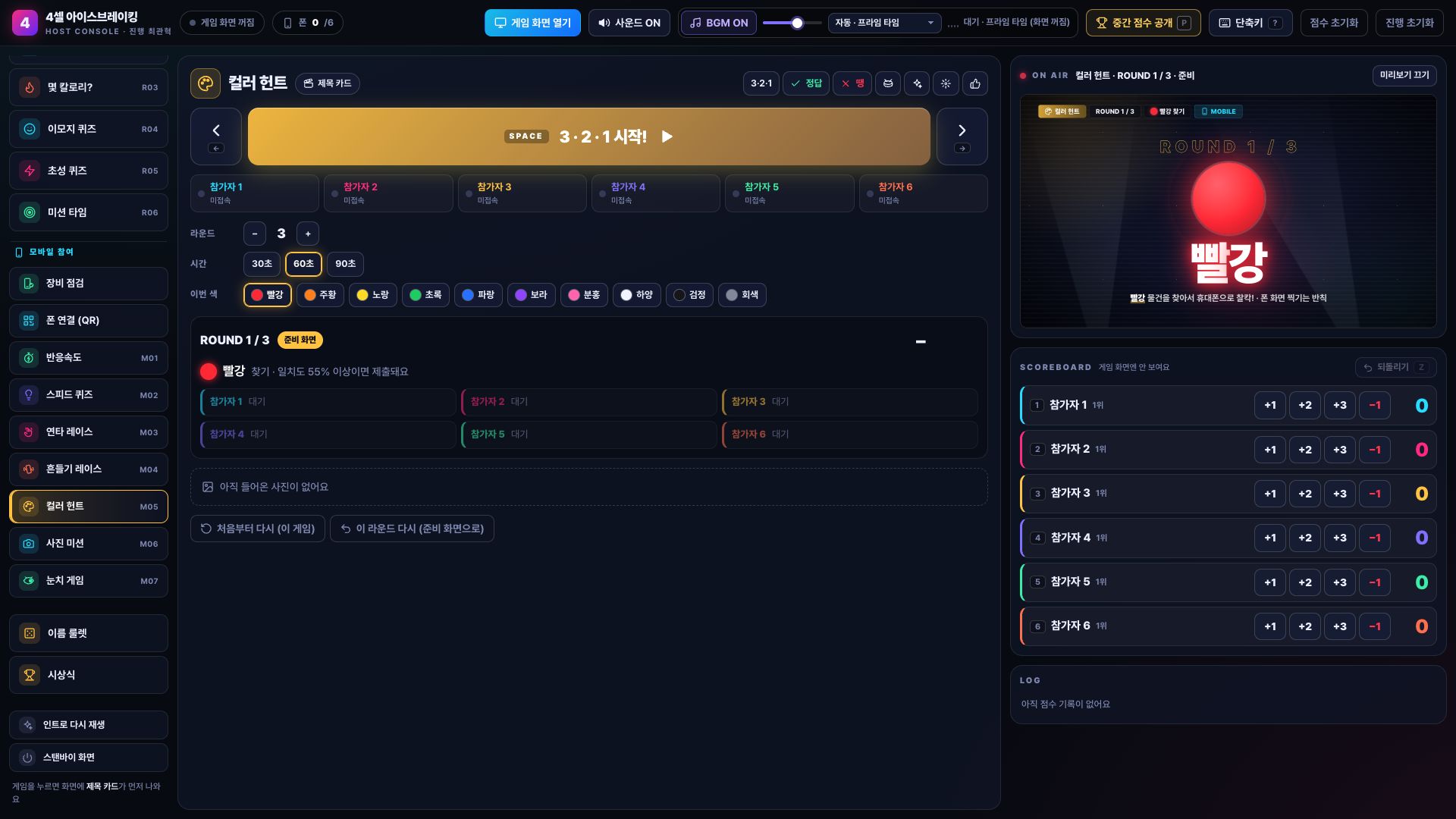
The principles that survived all five events. Device differences, mis-taps, dropped connections and host mistakes have to be recoverable mid-event.
Every round advances only when the host moves on. Results are reviewed before scoring, and a whole applied batch can be undone at once.
No phone? Number keys. No camera? Team buttons. No motion sensor? Taps. No 3D? 2D.
Connection, browser, buzzer, camera, shake, vibration, sound and screen wake are checked before the event, separating unsupported features from real errors.
Part 2 dropped the camera to avoid security warnings; part 1 switched from finger to palm detection after watching the room. Flow comes before features.
Implementation was done with AI coding agents. My job was to pin down in writing what to build, what was still undecided and how it would be checked.
Scoring, run of show and each screen’s role were fixed in a final spec whose first line reads: don’t make decisions that aren’t here — report them as “decision needed”.
Games were split into modules with one interface so several agents could build at once. Agents role-played participants to surface rule loopholes early.
I had tools built for simulating all 15 games, load, reconnection and smoke tests, then ran a rehearsal — fixing instant results, name legibility and a missing team score before the event.
What mattered more than the number of games was a show that never stalls. Screens, inputs and scale changed at every event; host control and fallback paths carried on to the next app.
Based on local source, user guides, the final spec, test tools and development records for all five apps. 80 people and nine teams are the planned and rehearsed scale; actual attendance and final scores were not recorded and are not claimed. Load-test tooling and runs were confirmed, but no saved result file exists, so no figures are cited. Stage and tablet images render sample data with the actual app’s UI code; the host console is an isolated copy of the small-group version. The booth game’s face feature only detects whether a face is visible and does not identify anyone. Participant photos, names and event data are not published.